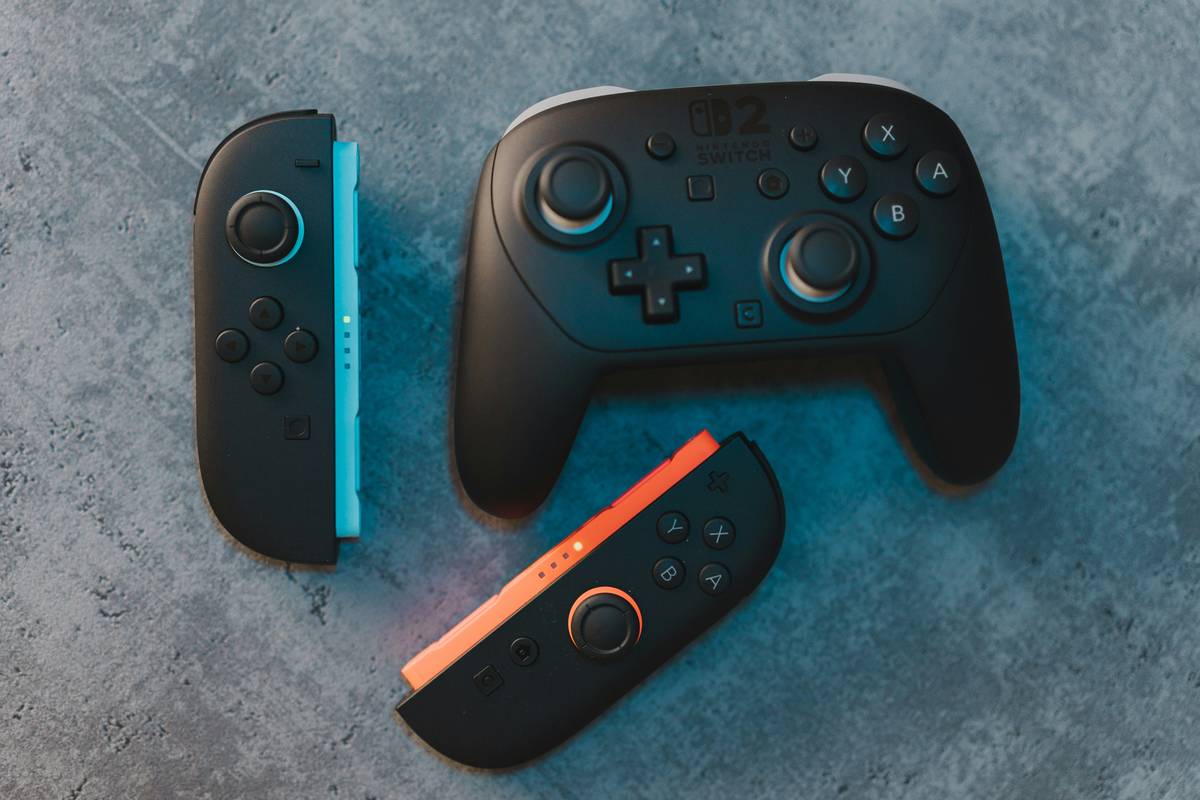
You bought a third-party controller. You plugged in your nintendo switch game controller adapter. Nothing happened. Sound familiar? You’re not alone—and it’s not your fault. Nintendo’s console is notoriously picky about what it talks to. But there’s a way through.
The Core Problem: Why Standard Adapters Fail on Switch
Nintendo doesn’t play nice with generic Bluetooth or USB HID protocols out of the box. Most off-the-shelf adapters assume universal compatibility—Switch laughs at that assumption. And even “Switch-compatible” labels can be misleading marketing fluff.
Here’s the reality: the console only recognizes devices that mimic Nintendo’s own communication handshake. Skip that step, and you’re just sending digital noise into a void.
How to Actually Get Third-Party Controllers Working on Switch
The solution isn’t magic—it’s methodical. Follow these steps carefully. One misstep, and you’ll be stuck staring at a blinking LED wondering where it all went wrong.
Step 1: Verify Your Controller Type
Is it wired or wireless? Does it use proprietary firmware (like 8BitDo) or generic PC drivers? Wired controllers often work through native USB support—but only in docked mode. Wireless ones almost always need a dedicated adapter.
Step 2: Choose the Right Adapter (Not All Are Equal)
Avoid no-name Amazon specials priced under $15. They lack firmware updates and often drop input mid-game. Stick with proven brands like Mayflash or 8BitDo—their engineering teams reverse-engineer Nintendo’s protocols legally and ethically.
Step 3: Update Firmware Before Connecting
Yes, even adapters need updates. Plug the adapter into a PC first. Run the manufacturer’s utility. Firmware v2.1 might fix latency bugs that v1.9 ignored. Skipping this = gambling with button lag during boss fights.
| Adapter Model | Controller Support | Wired/Wireless | Firmware Updatable? | Avg. Latency (ms) |
|---|---|---|---|---|
| Mayflash Magic-NS | PS4, PS5, Xbox, Wii U | Both | Yes | 12–18 |
| 8BitDo Wireless Adapter | Switch Pro, Joy-Cons, SNES | Wireless only | Yes | 8–14 |
| Generic USB-C Adapter (Unbranded) | Limited / Unverified | Wired only | No | 30–60+ |
Step 4: Pair in the Correct Mode
Many adapters have dual modes—Switch mode vs. PC mode. Flip the physical switch or hold the pairing button for 3+ seconds until the LED pulses blue (not red). Miss this, and your console treats it as a keyboard. Not ideal when you need precise analog control.
The Industry Secret: Some Adapters Work Better in TV Mode Only
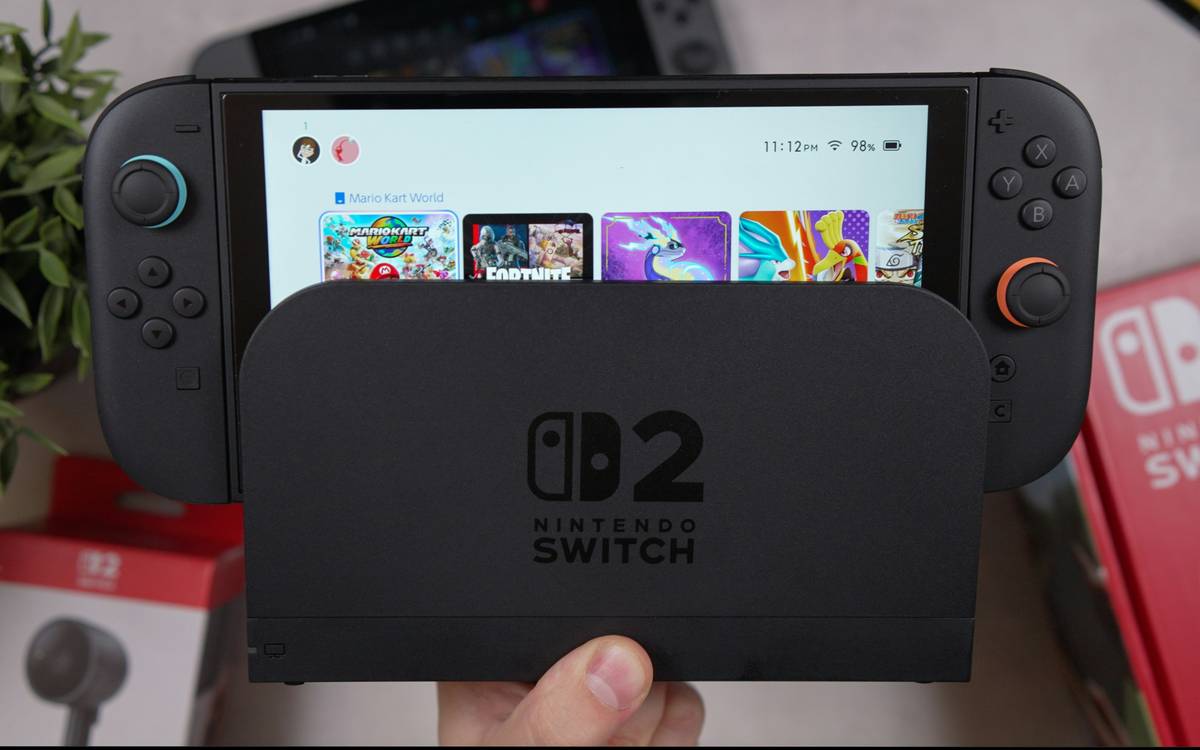
Here’s what retailers won’t tell you: certain third-party controllers paired via adapter only function reliably when the Switch is docked. Handheld mode? Forget it. Why? Power draw and USB controller limitations in portable mode cripple signal stability.
But—and this is critical—if you’re using a USB hub between the adapter and dock, that’s likely your real bottleneck. Cheap hubs throttle bandwidth. Test direct-to-dock first. The math is simple: fewer intermediaries = cleaner signal.
FAQ
Can I use a PS5 controller on Switch with an adapter?
Yes—but only with a firmware-updated Mayflash Magic-NS or similar. Native Bluetooth pairing won’t work. Always use the adapter in Switch mode.
Why does my adapter disconnect during gameplay?
Poor firmware, low battery (for wireless), or USB power instability. Try a direct dock connection—no hubs. Update the adapter’s firmware immediately.
Do official Nintendo adapters exist?
No. Nintendo sells controllers, not universal adapters. Any “official” adapter claiming Switch compatibility is either rebranded third-party gear or misleading. Stick with trusted indie hardware makers instead.